

Let’s Encrypt is provided by Internet Security Research Group (ISRG), it is certificate authority (CA) that certificating your website for free. They provides worldwide accepted SSL certificates for business and personal use. Without SSL certificates, you are not able to change your web service from HTTP to HTTP-within-SSL (HTTPS), the connection will not be secure.
Getting a SSL certificate for your website
To obtain a SSL certificate, you have three choice:
- Self-signed SSL certificate
- Certificate provided by your web service provider
- Certificate via Certificate Authority (CA)
- enroll a certificate via worldwide CA
- Free Certificate via Let’s Encrypt
Self-signed SSL certificate
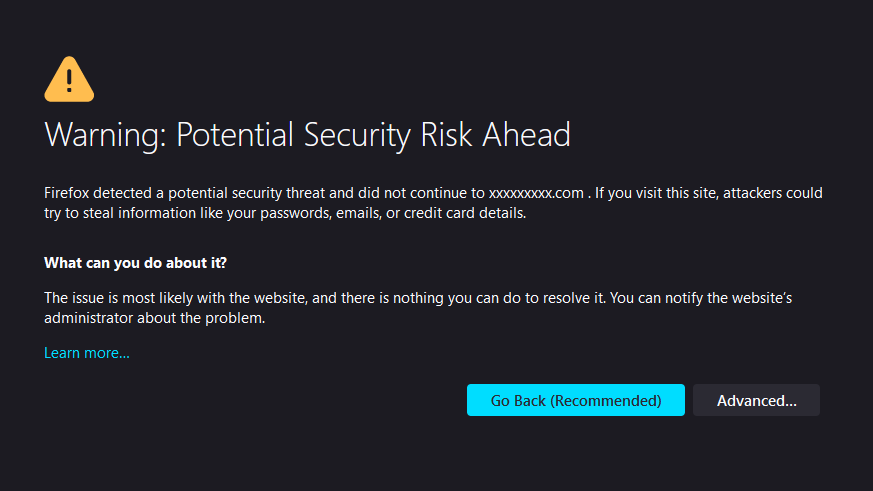
If you are using Self-signed SSL certificate on your web services, user will get the above warning when accessing your web services via HTTPS. However, user are still able to access your web services when they marked your certificate as trusted, and/or ignore the warning.
Certificate provided by your web service provider
Most of the web service provider will also provide a verified certificate for customer, follow their instruction to enroll your certificate. If your service provider didn’t provide that, you might need to manually enroll certificate via CA and upload it.
Enroll certificate via CA
There are many CA in the world, but you should choose the one that providing one of the root CA inside the ca-bundle.crt. Some of the certificate provider is the second level of CA that provide a certificate for user verified by the provider which also verified by root CA. The list of CA certificate data is from Mozilla which is widely uses in many software/browser. You can choose different validity period when issuing new certificate, e.g. one or two years, with different price.
Free Certificate via Let’s Encrypt
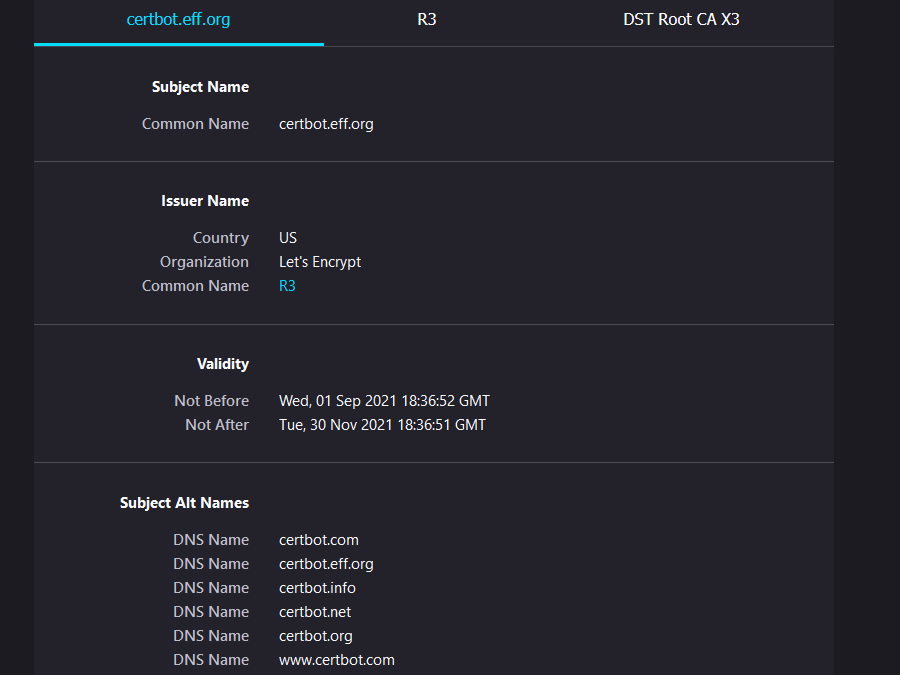
Let’s Encrypt providing free certificate services for personal/ business user, but need to renew it every three months. Certbot provides auto-renew service on Let’s encrypt certificate. You will need to install snapd before using Certbox.
sudo apt update
sudo apt install snapd
sudo snap install core; sudo snap refresh core
sudo snap install --classic certbot
sudo ln -s /snap/bin/certbot /usr/bin/certbot
After the installation, you need to choose configure Apache automatically (site conf, enable HTTPS etc), or either enroll the certificate only.
sudo certbot --apachesudo certbot certonly --apacheYou should access your web service under HTTPS if it works normal, and test the auto-renewal command.
sudo certbot renew --dry-runMore information for other system please visit Let’s Encrypt website.